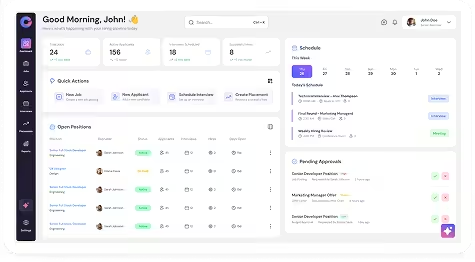
Navigation
Dashboard → Custom Dashboards → Create New Dashboard
Steps
- Navigate to Dashboards.
- Click Custom Dashboards.
- Click Create New Dashboard.
- Enter a Dashboard Name.
- Select reports to display.
- Enable Set as Default if you want the dashboard to load automatically.
- Click Save.